
Turn on price tracking
- Choose your route, travel date and passenger details in the Tickets tab.
- Tap Track prices. For a saved route, open Favorites and use the bell on its card.
- Allow notifications if your phone asks for permission.
- Open Notification time and choose a convenient time window.
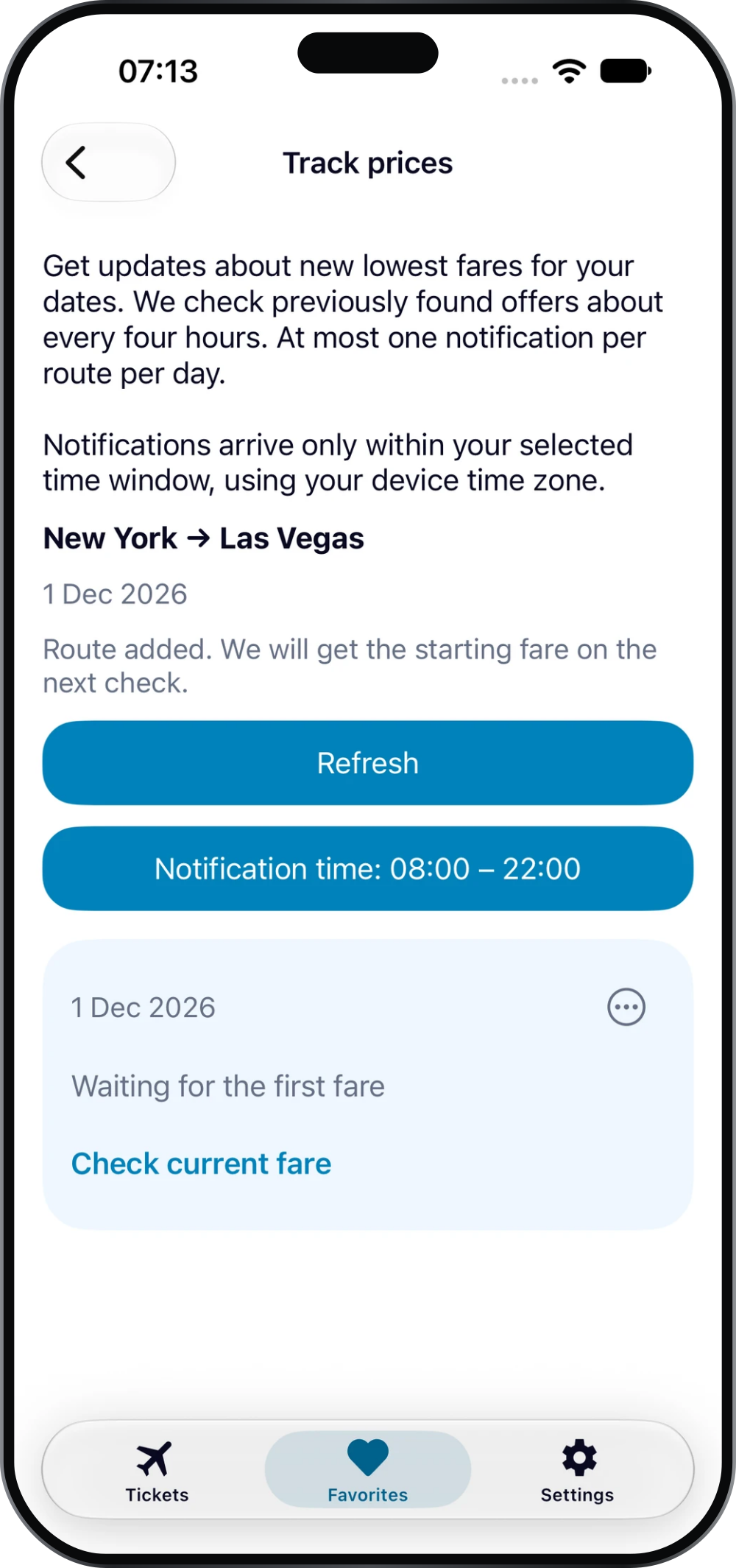
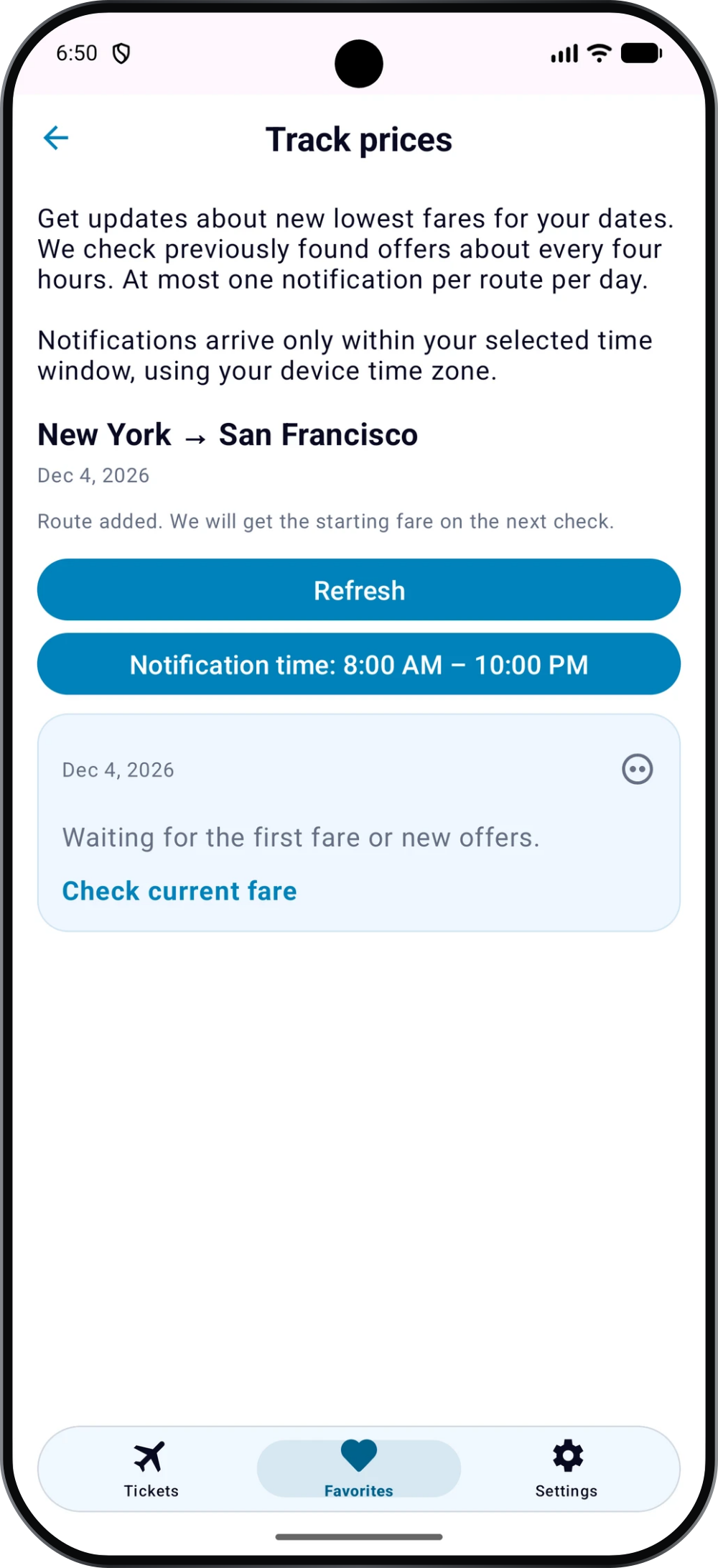
After a route is added, AvioScout gets the starting fare on the next check. Until then, the screen may show that it is waiting for the first fare.
How the updates work
AvioScout checks previously found offers about every four hours. Notifications report new lowest fares for your selected dates, with at most one notification per route per day.
Notifications arrive only within your chosen time window, using your device time zone. Tracking a price does not reserve a seat or hold a fare.
Check the current fare
Tap Check current fare on the tracking screen to search for current offers. Compare the available flights and confirm the final details with the seller before booking.
If your dates are still flexible, use the low-price calendar first, then track the date that fits your plans.
If an alert has not arrived
There may not have been a new lowest fare. Check the bell for the route, notification permission in your phone settings and the selected notification time window. The limit of one notification per route per day also applies.
If the screen is waiting for the first fare, wait for the next check or use Check current fare. You can return to your routes in Favorites.

