
Start with your trip
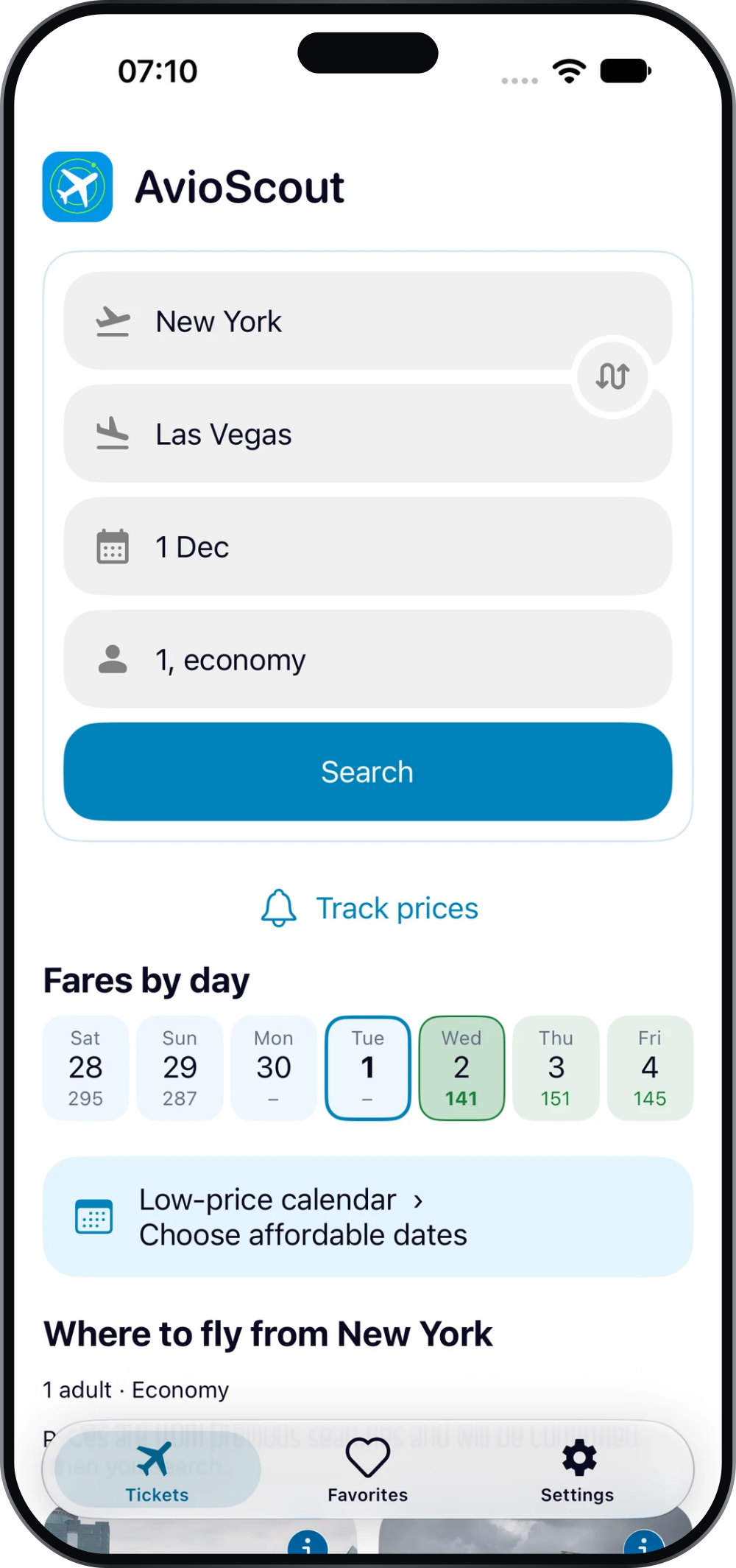
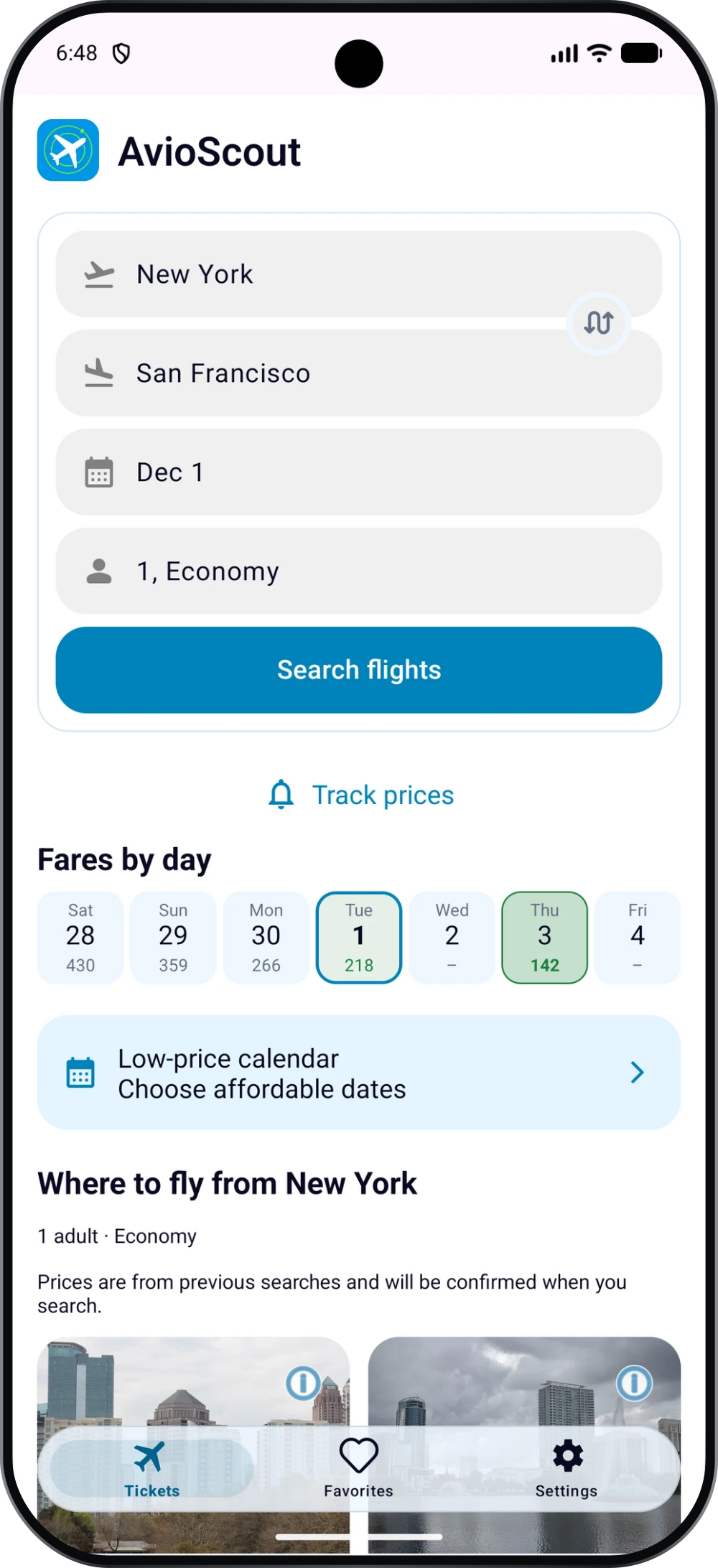
- Open the Tickets tab and choose your departure city and destination.
- Select your travel date and passenger details.
- Tap Search to see available flight offers.
Check the route, date and passenger count at the top of the results. These details matter when comparing prices: a fare for a different date or passenger group is not a like-for-like comparison.
Compare the journey as well as the fare
Use Filters to narrow the results. Look at departure and arrival times, airports, journey duration and the number of layovers. A cheaper connecting flight may take longer than a direct flight.
The flight cards show the fare and route details. Before choosing an offer, check whether the times fit your plans and allow enough time for travel to and from the airport.
Explore nearby dates
If your dates are flexible, open the low-price calendar. It helps you compare previously found fares across dates before running a new search.
If you want to return to a route later, save it to Favorites. You can also set up price-drop alerts for selected dates.
Check the selected offer
Open the offer to continue to the seller. Before paying, confirm the current total price, passenger details, baggage allowance and the fare rules for changes and refunds.
Prices and availability can change after a search. Use the details shown by the seller when making your final booking decision.

