
Your app for finding flights
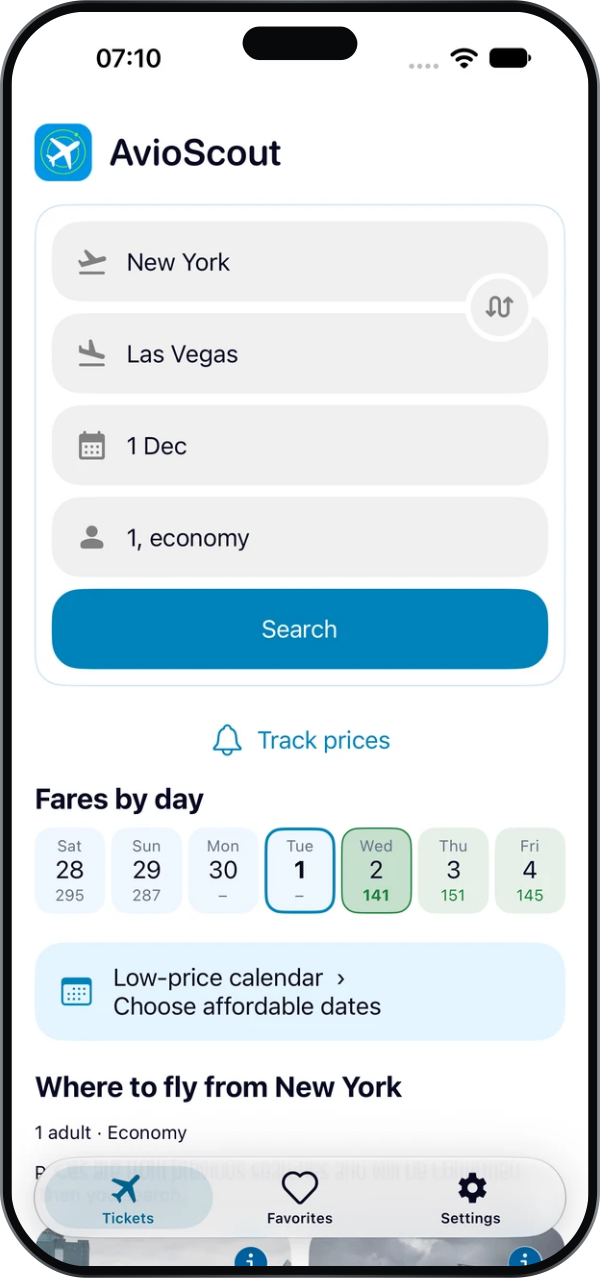
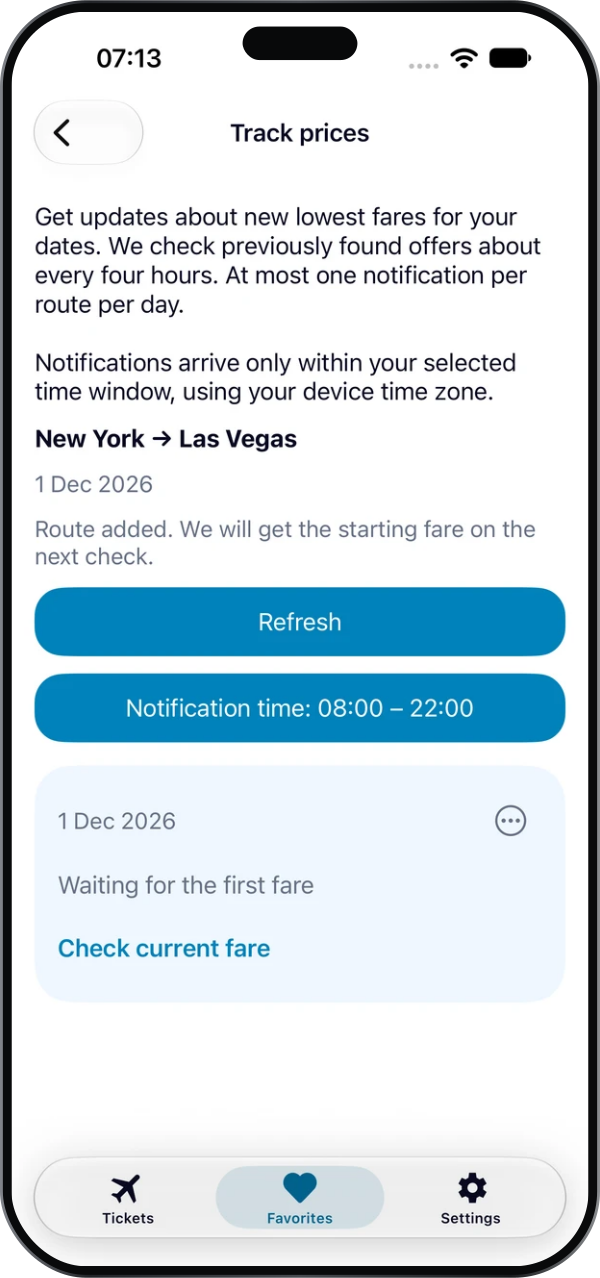
Compare fares, find cheaper dates and get price-drop alerts. Plan your next trip with AvioScout for iOS and Android.


Screenshots
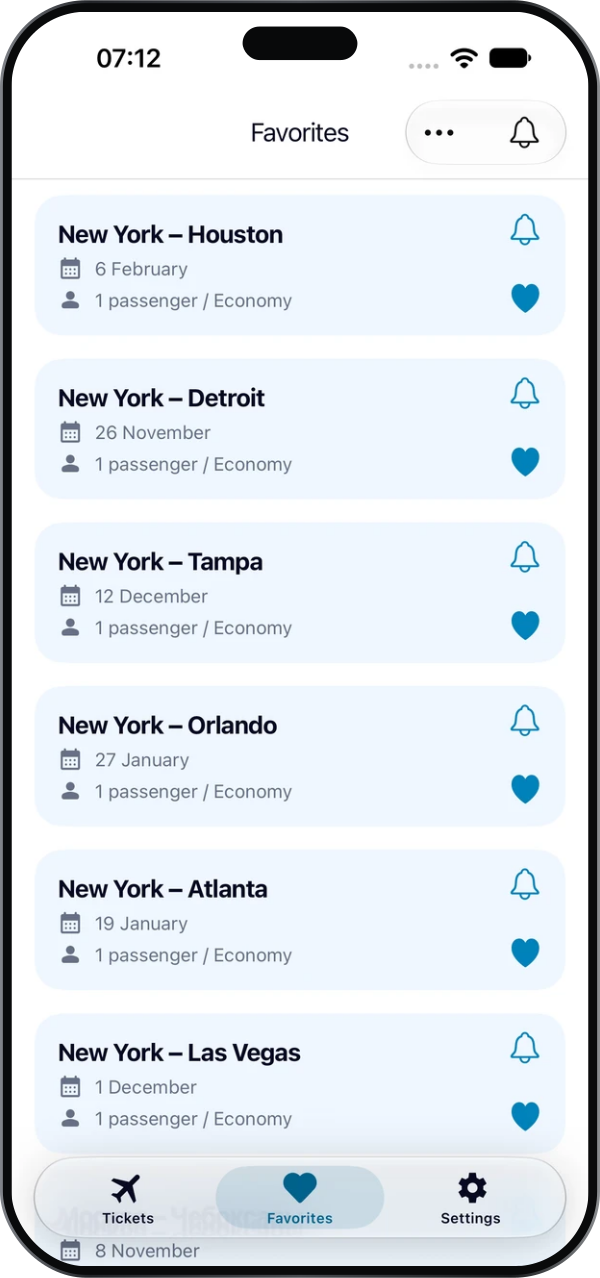
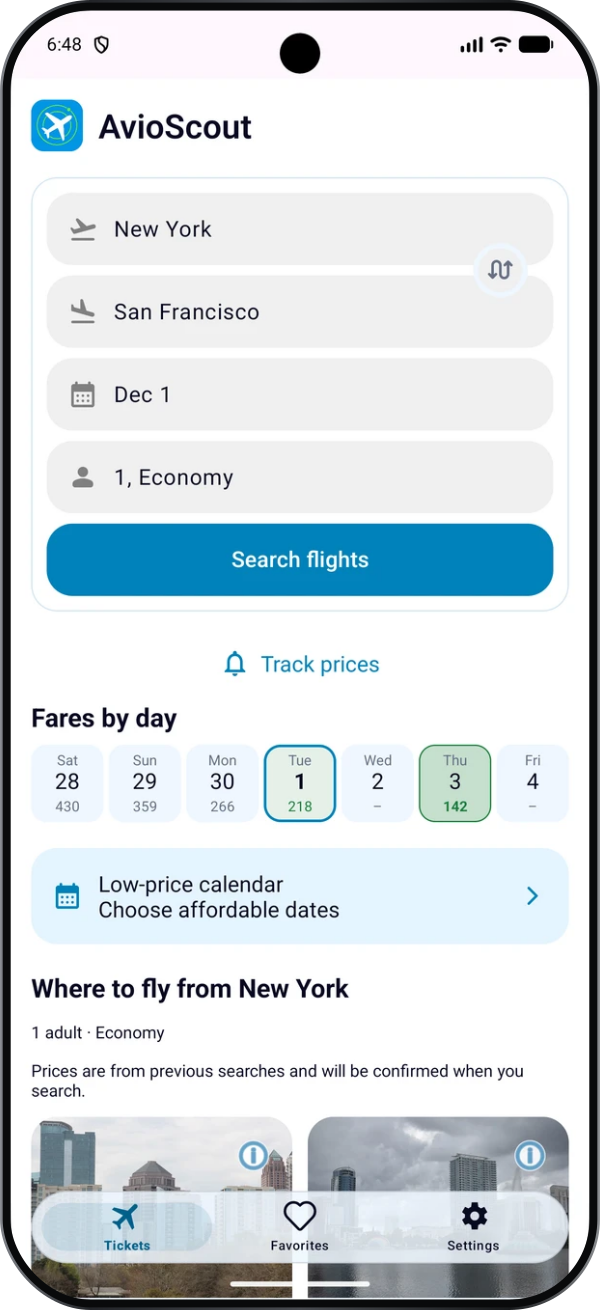
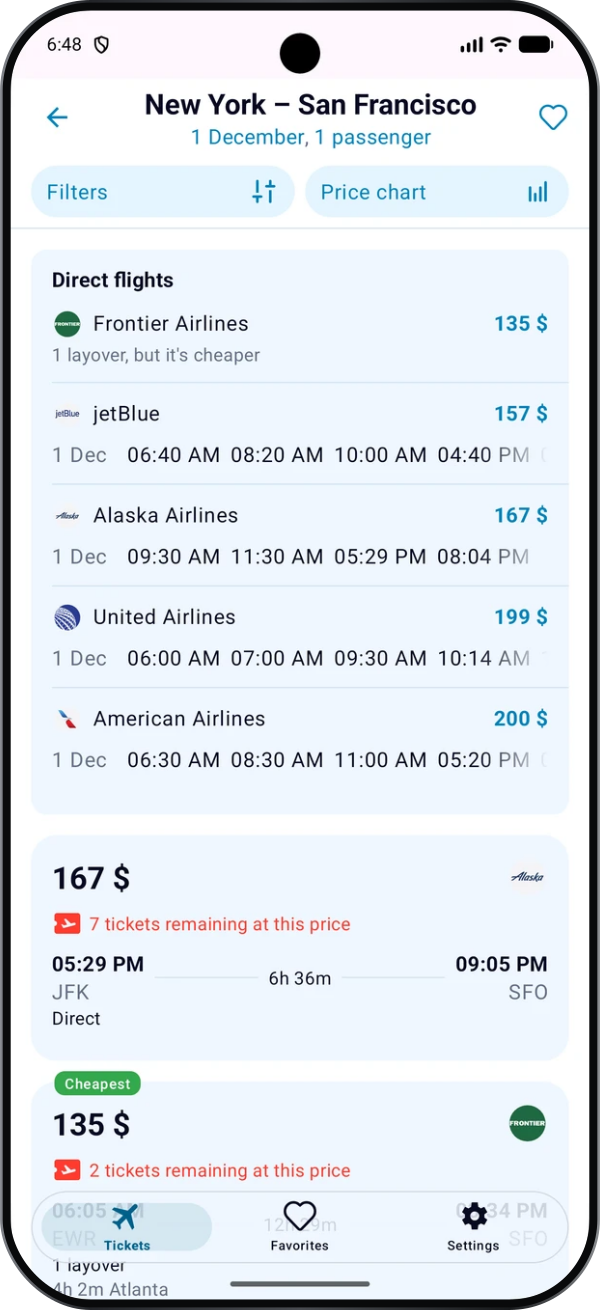
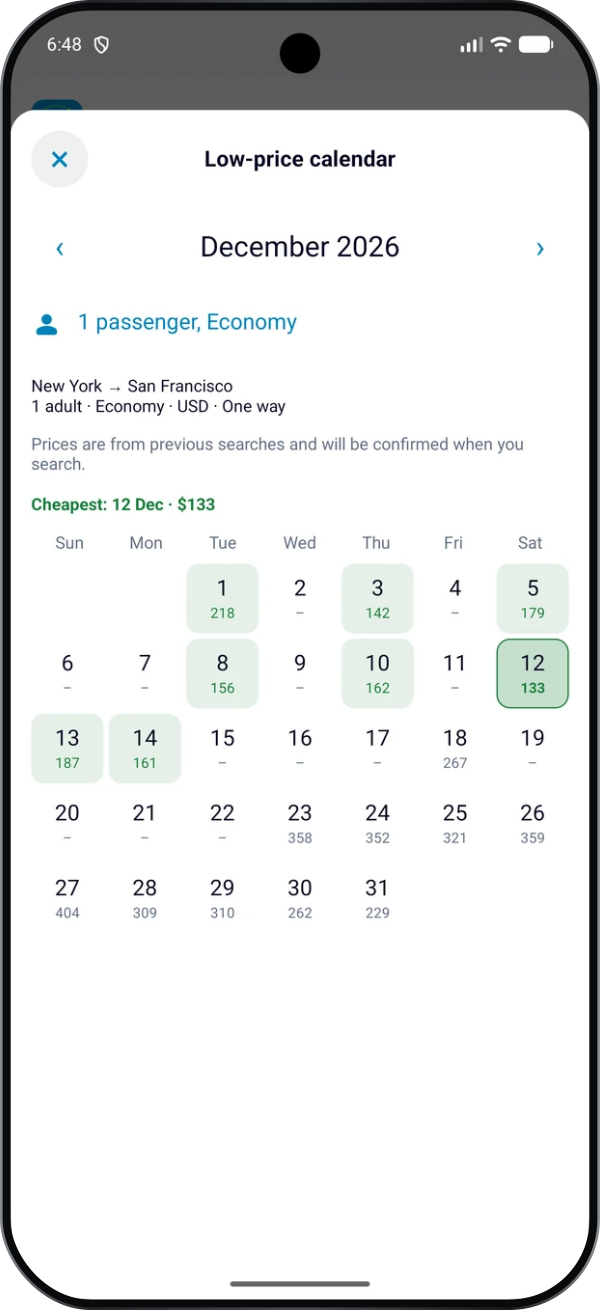
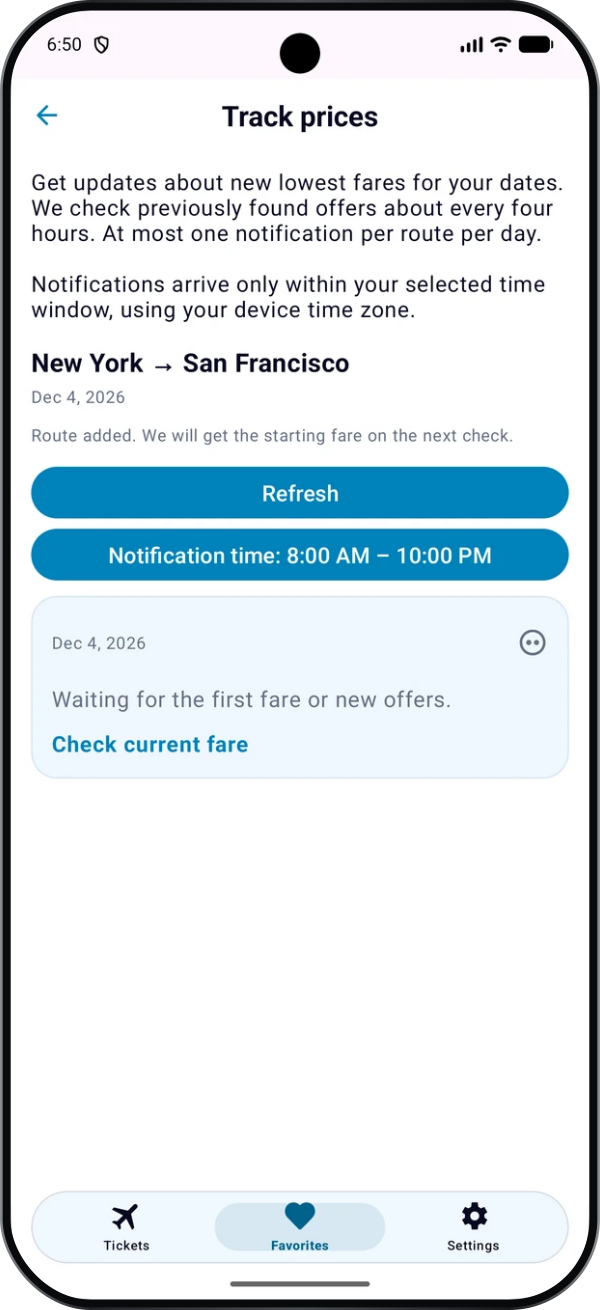
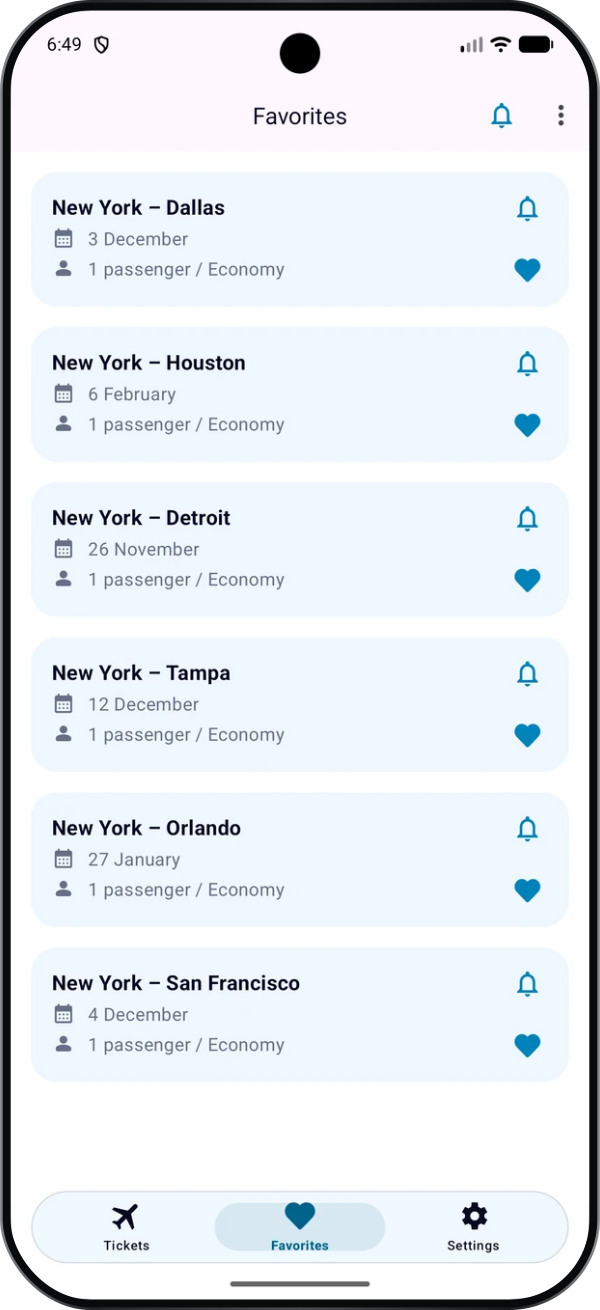
Take a look at AvioScout inside the app.
About AvioScout and common questions
Compare flights, find affordable dates and track price drops in the iOS and Android app.
How can I find affordable flights?Show answerHide answer
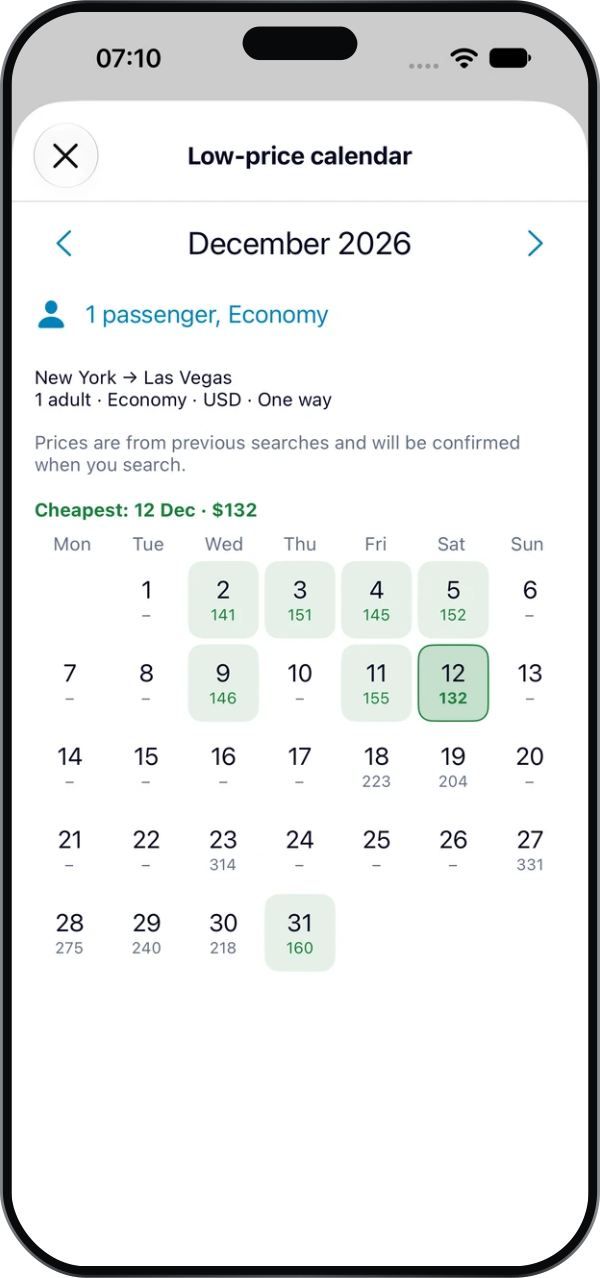
Start with your route and travel dates. If your schedule is flexible, compare nearby dates in the price calendar: fares can vary by departure day. Consider both non-stop and connecting flights. The cheapest ticket may not be the most convenient option, so check the total journey time and the wait between flights.
How can I compare flights and fare conditions?Show answerHide answer
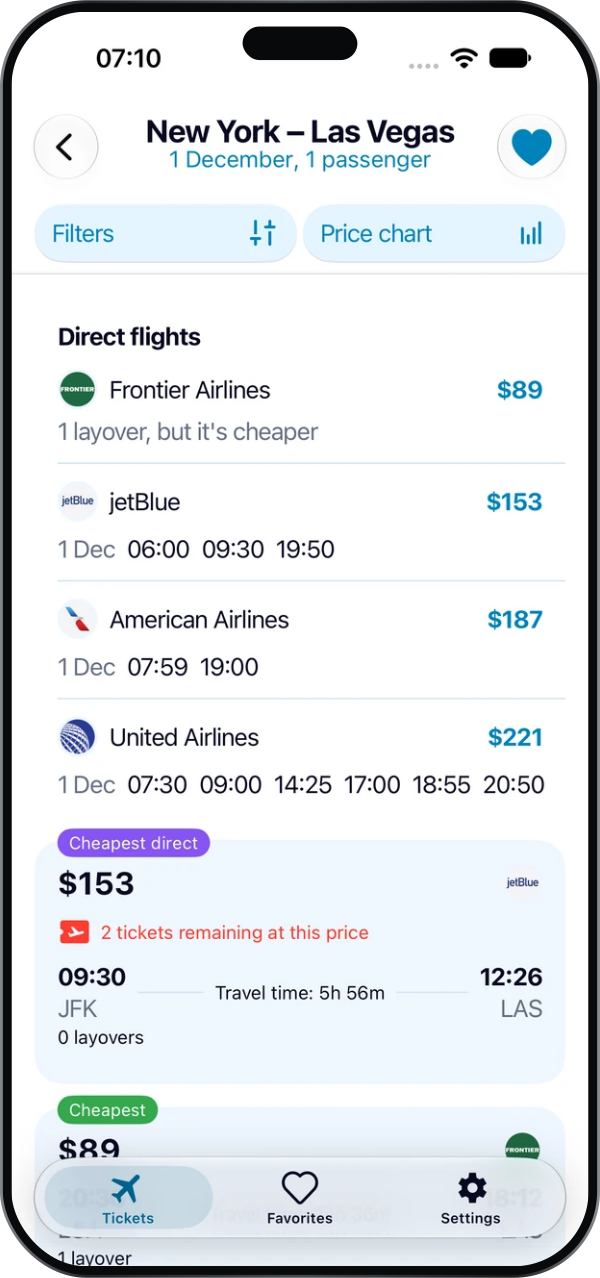
Use filters to narrow your flight search results. Compare departure and arrival times, airports, connections and prices. Select non-stop flights if you prefer to travel without a connection. Before booking, check with the seller whether cabin and checked baggage are included and review the rules for ticket changes and refunds.
Where do I book my flight?Show answerHide answer
Choose an offer in AvioScout and continue to the seller's service to book. The app helps you find and compare options; booking and payment take place with the seller. Before paying, verify the current total price, passenger details, dates and fare conditions. Contact the seller that handled your booking for payment questions, changes or refunds.
Where can I download the app?Show answerHide answer
Download AvioScout from the App Store or Google Play using the buttons on this page. Route search, the price calendar and flight results are available in the mobile app. Explore the AvioScout screenshots to see the interface before installing.
Need help with the app? Email support@avioscout.app. Read our privacy policy for information about data processing.
Get the app on your phone
Scan with your phone camera to open the store for iPhone or Android.
